Google has rolled out “platform properties” inside Search Console, letting you connect and monitor social and video accounts the same way you’ve always monitored a website. Below is a step-by-step walkthrough, plus an honest look at what the data actually shows in the first 48 hours.
For as long as most of us have used it, Google Search Console has been a website-only tool. It told you which queries drove clicks to your pages and how those pages ranked, and that was the whole job. That changed in July 2026, when Google began rolling out a new property type called platform properties, which brings Instagram, TikTok, X and YouTube into the same Performance, Insights and Achievements reports website owners already know.
This is genuinely new territory: for the first time, Search Console can report on a property you don’t own the domain for, verified through an account sign-in rather than DNS or an HTML file. It’s a different feature from the “Social channels” experiment Google tested in Search Console Insights back in December 2025, and different again from Search profiles, the public creator pages Google introduced in June 2026. Platform properties are a private analytics view, not a public-facing page.
Why this matters for content and social teams
Social platforms will tell you how a post performed in-app — likes, saves, watch time. What they’ve never told you is whether that same post is still pulling traffic from a Google search weeks or months later. Platform properties close that gap. Once an account is connected, you can see the actual search terms leading people to your posts and reels, alongside clicks, impressions, CTR and average position — the exact vocabulary Search Console has used for websites for years.
It’s also useful for accounts that don’t have a website behind them at all. Creators, influencers and small local businesses that live mainly on Instagram or TikTok now get a version of Search Console visibility that used to require an owned domain.
How to add a social profile to Search Console
The setup itself takes a couple of minutes. Here’s the flow, based on adding an Instagram account:
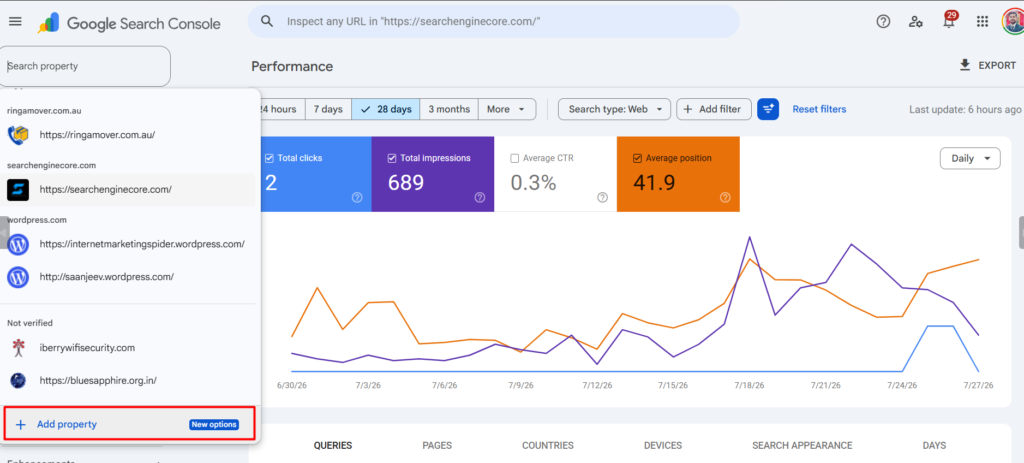
Step 1: Open Search Console and go to the property selector in the top-left, then click Add property.
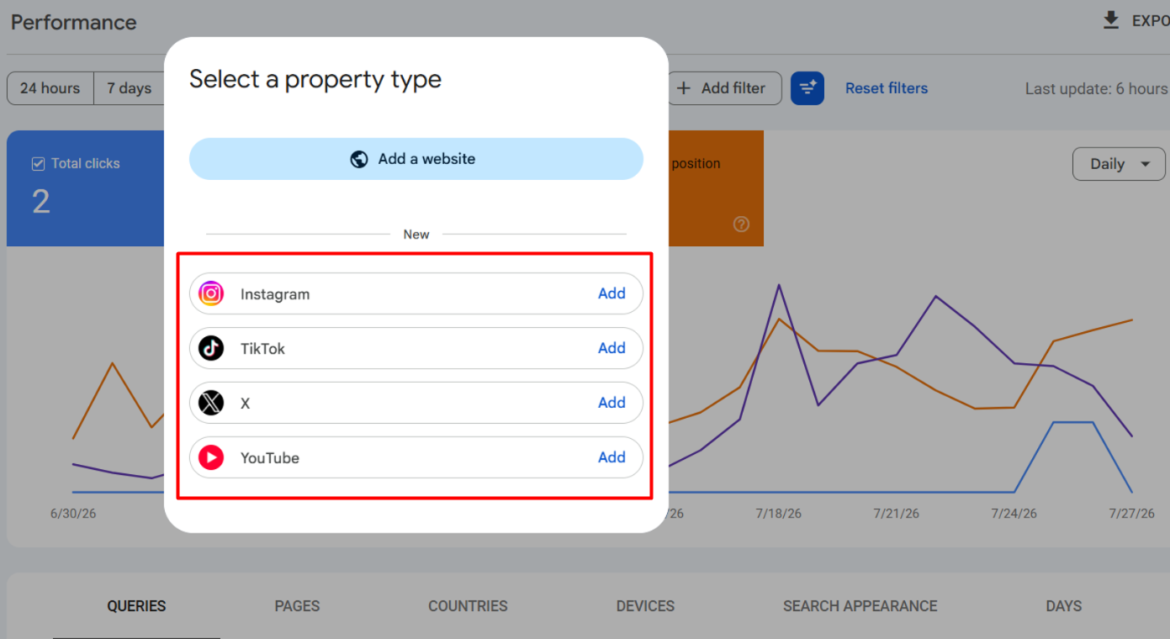
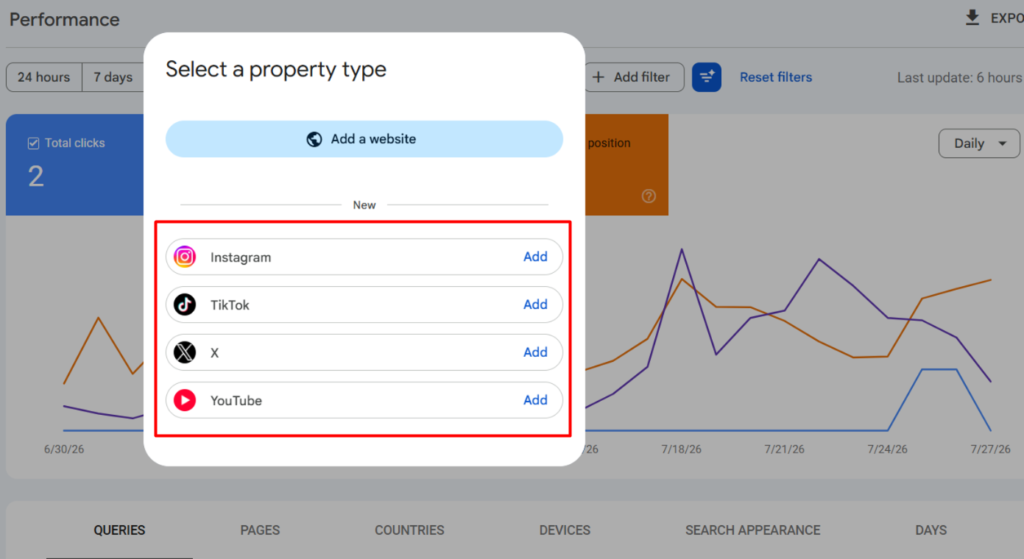
Step 2: Choose a platform. At launch, four are supported: Instagram, TikTok, X and YouTube. Click Add next to the one you want to connect.
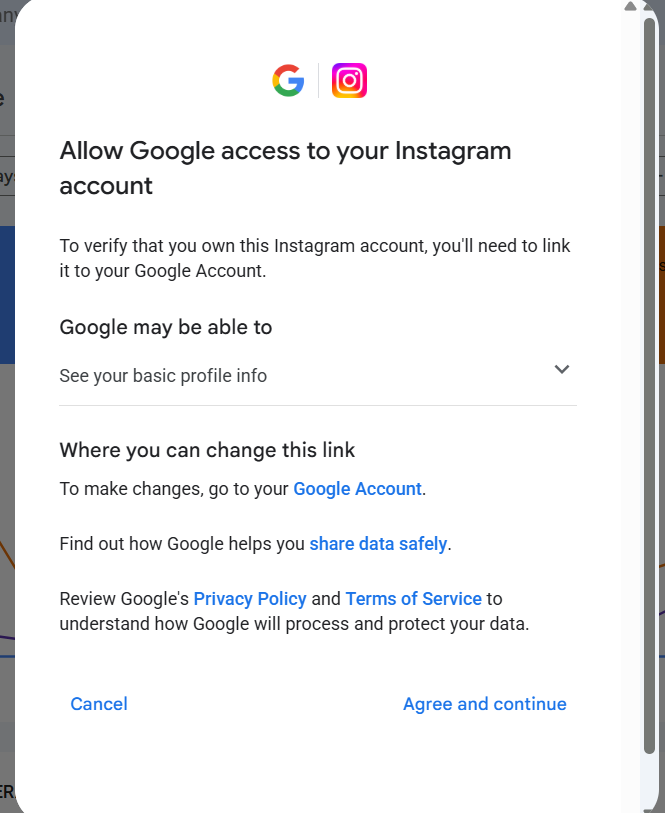
Step 3: Sign in to the social account when prompted and authorise the connection. Google is only asking for basic profile info to confirm ownership.
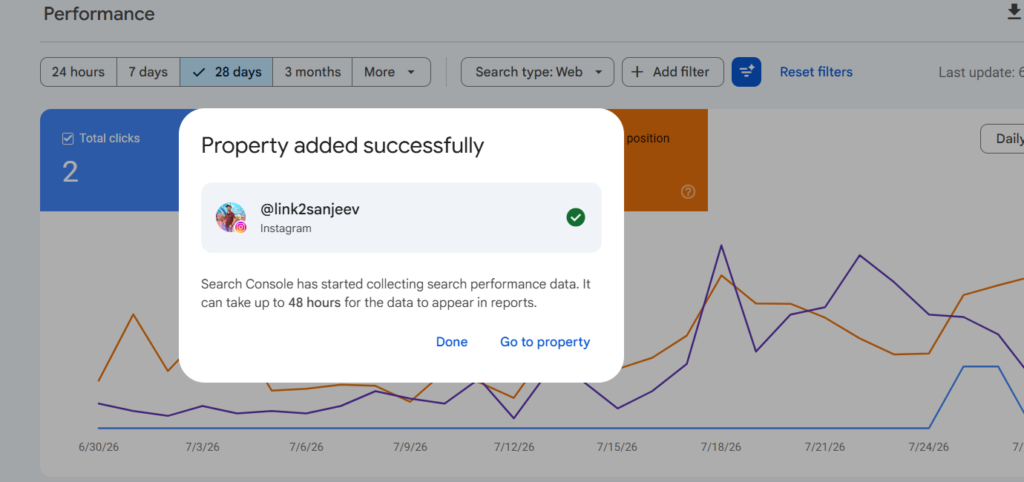
Step 4: Once verification completes, Search Console confirms the property was added and gives you the option to jump straight into it.
| Reality check before you get excited
This is a brand-new, gradually-rolling-out feature — Google itself has said availability varies by account and some platforms may not appear for everyone yet. Don’t expect a flood of data on day one. Initial reporting can take up to 48 hours, and in our test the Insights tab simply said there was nothing to show yet. It reports Google Search and Discover visibility only — not in-app engagement, and not whether AI chatbots are surfacing your content. LinkedIn isn’t supported at launch, so this won’t help B2B-heavy accounts that live mainly there. |
What the data looks like on day one
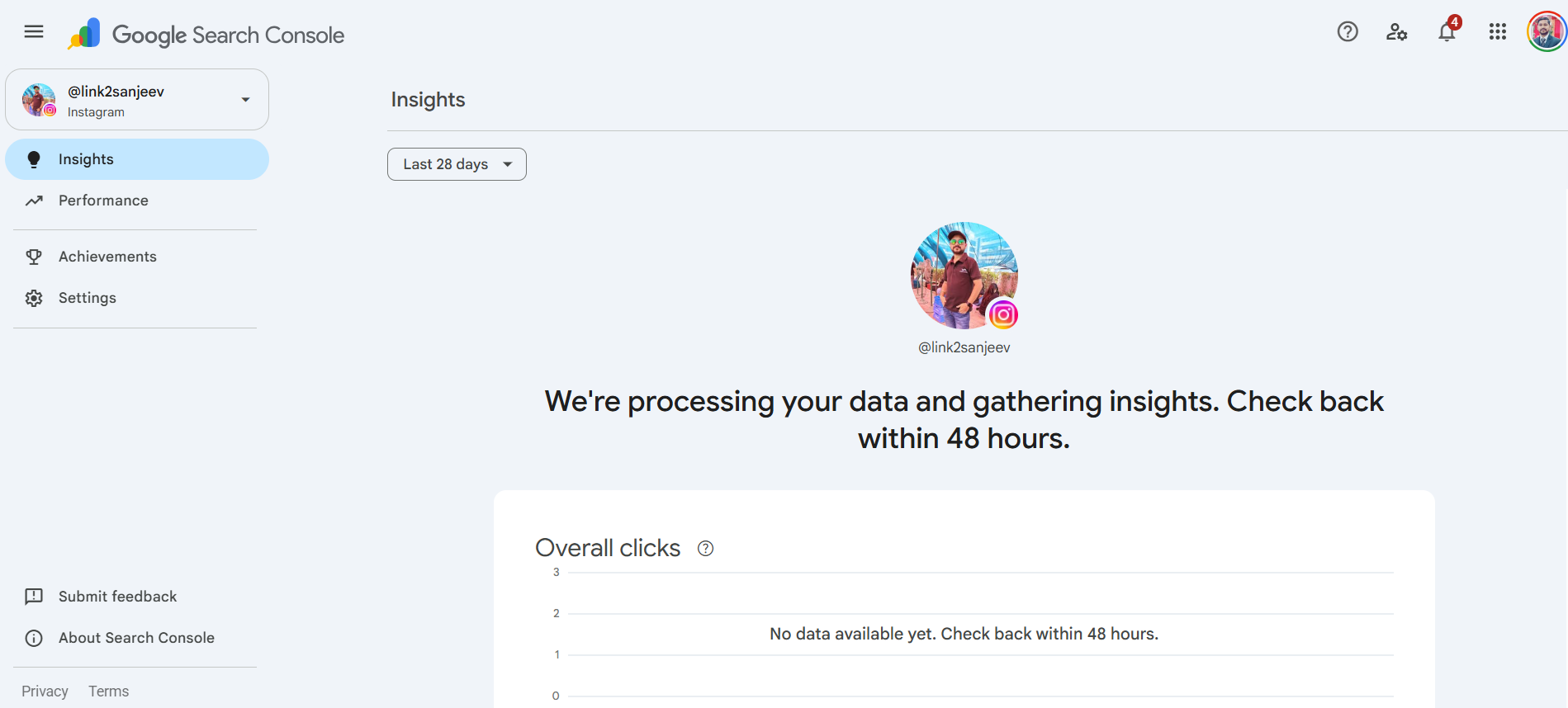
It’s worth setting expectations here rather than overselling the feature. Immediately after connecting, the Insights tab for our test account simply displayed a processing message with no numbers yet.
The Performance report behaved the same way. Filtered to the last 24 hours, clicks and impressions both read zero — which makes sense given the account had only just been verified, but it’s a useful reminder not to treat this as an instant dashboard.
Should you set this up now?
Yes, but with modest expectations. Verifying an account costs nothing and takes a couple of minutes, and there’s no downside to having the data start accumulating in the background. The bigger question is what you do with it once numbers start showing up in a week or two: cross-reference which social posts are earning organic search visibility, and feed that back into your content and blog calendar rather than treating social and search as separate channels.
What this isn’t yet is a mature analytics product. It’s an early-stage feature from Google, rolling out unevenly, with a processing lag before it produces anything usable. Treat the first connection as planting a flag, not as a report you can act on immediately.
| Quick reference
Feature name: Platform properties (Google Search Console) Supported platforms at launch: Instagram, TikTok, X, YouTube Rollout started: 7 July 2026, gradual by account Website required: No Data delay after verification: Up to 48 hours Distinct from: “Social channels” (Dec 2025 experiment) and “Search profiles” (June 2026, public creator pages) |

Sanjeev Kumar is a digital marketing expert with over 14 years of experience in SEO, PPC, content marketing, and online growth strategies. He specializes in search engine optimization, AI-driven marketing, and digital strategy for businesses and agencies worldwide.